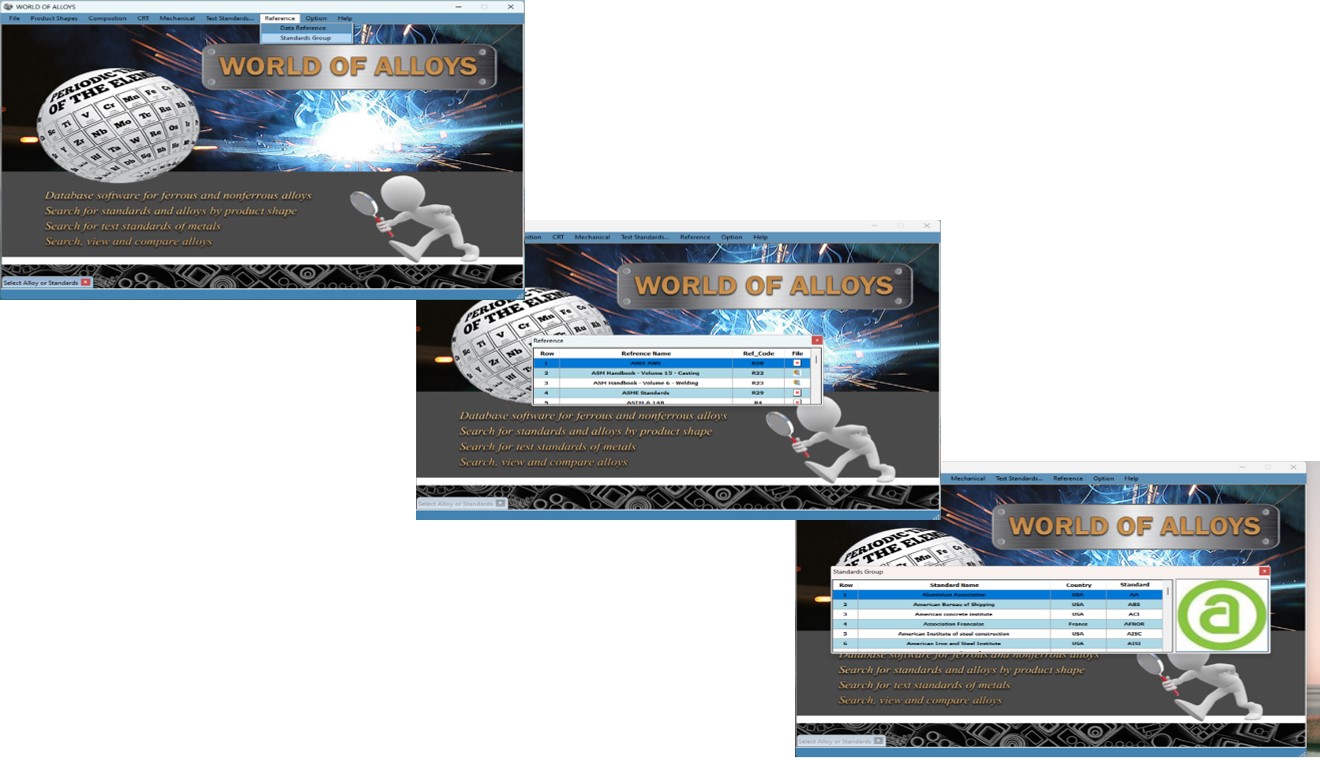
Software Guide to the World of Alloys
Nowadays, due to the wide application of alloys in various industries such as
the steel, oil and gas industry, petrochemicals, automotive and other related
industries when searching for alloys, choosing or replace them with many
problems, such as lack of access to adequate information sources and Time, waste
of time, lack of precision... We will face it. This software has a database
related to alloys and standards of ferrous and non-ferrous metals, designed in
such a way as which facilitates and innovates in the way we search, compare and
compose chemicals, mechanical properties and ... Provides relevant alloys and
standards.
World of Alloys Software Database Resources
Stahlschhlussel (Key to Steel)
Metals and Alloys in the Unified Numbering System
ASM Handbooks
International standards related to metal production and testing:
American standards such as: ASTM, ASME, AWS, API, AISI and etc.
European standards such as: DIN, BS, EN, ISO, UNI, AFNOR and etc.
Other countries standardssuch as: Japan(JIS), Russia(GOST), Australia(AA) and
etc.
Software menus of the world of alloys
* By using the ‘Product
Shapes’
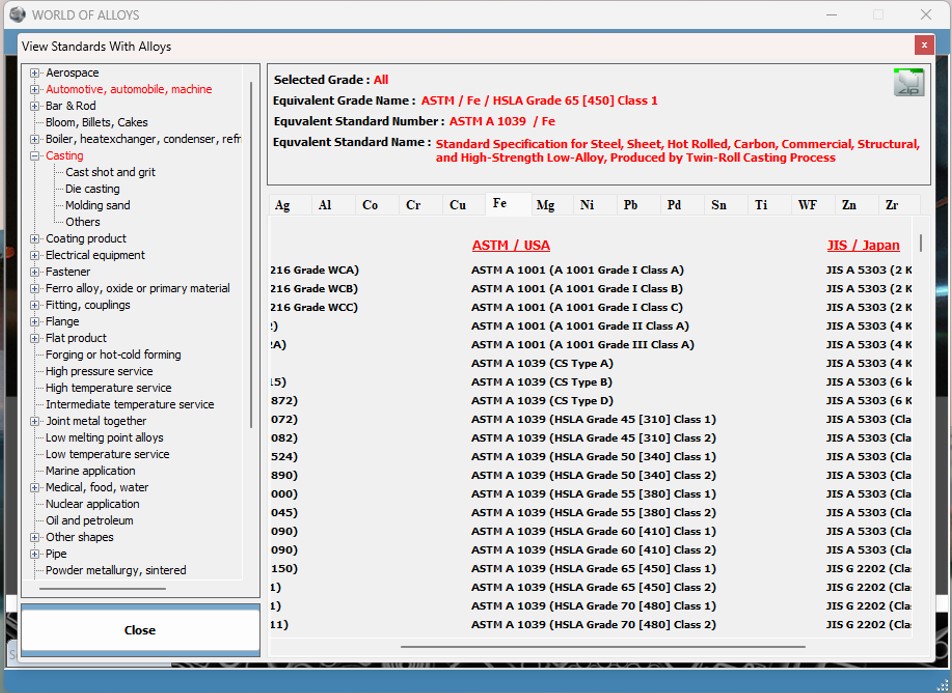
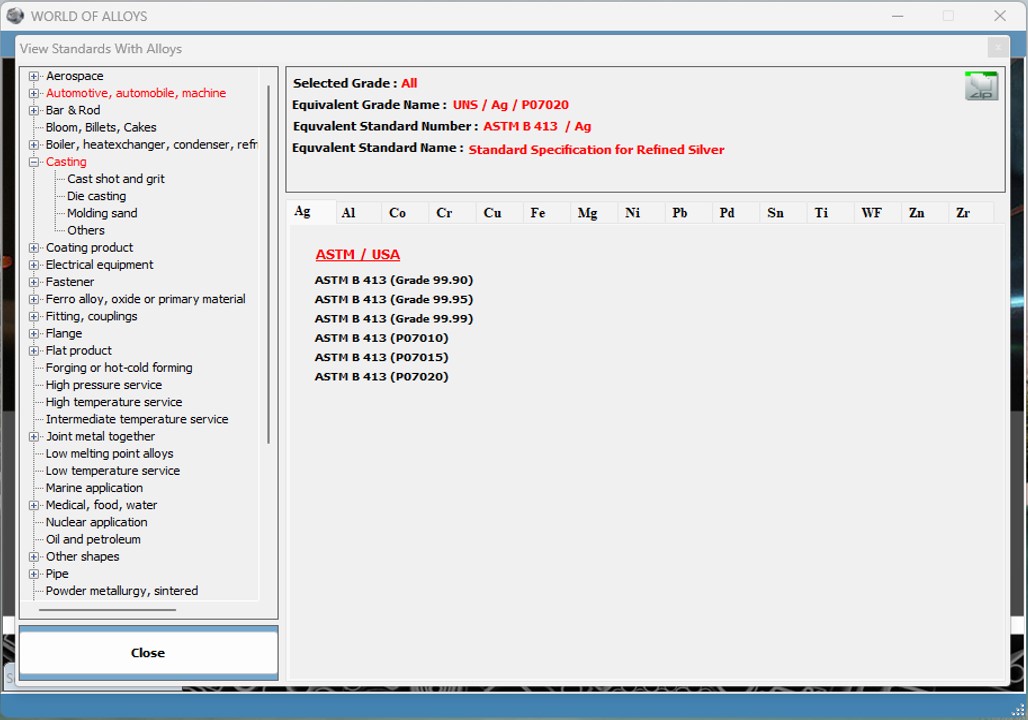
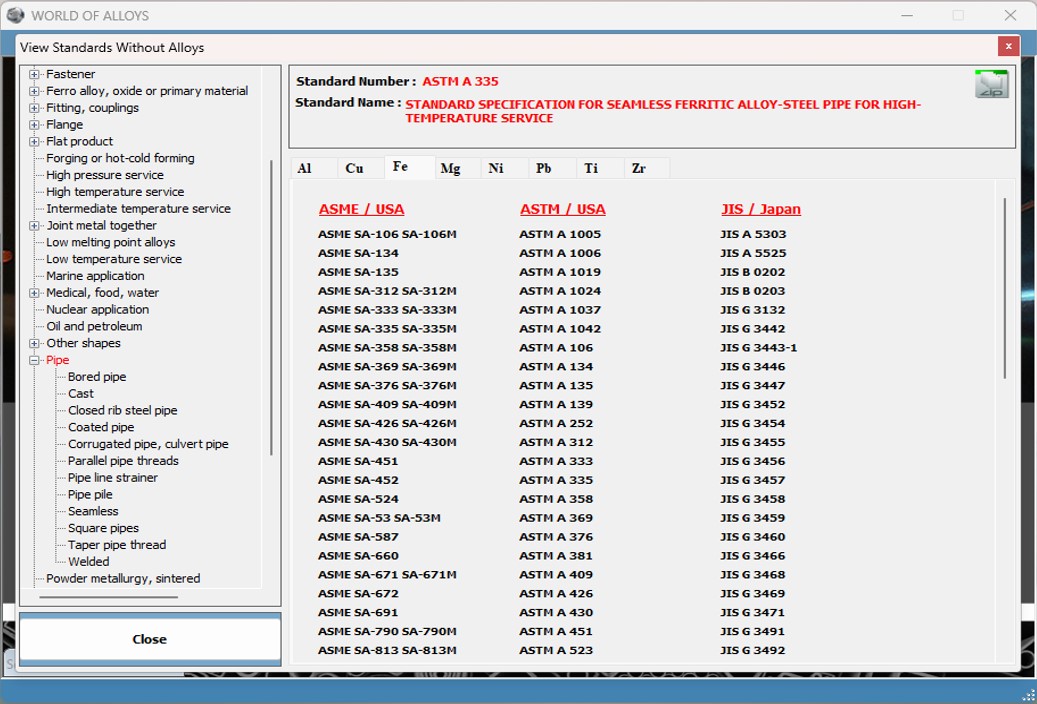
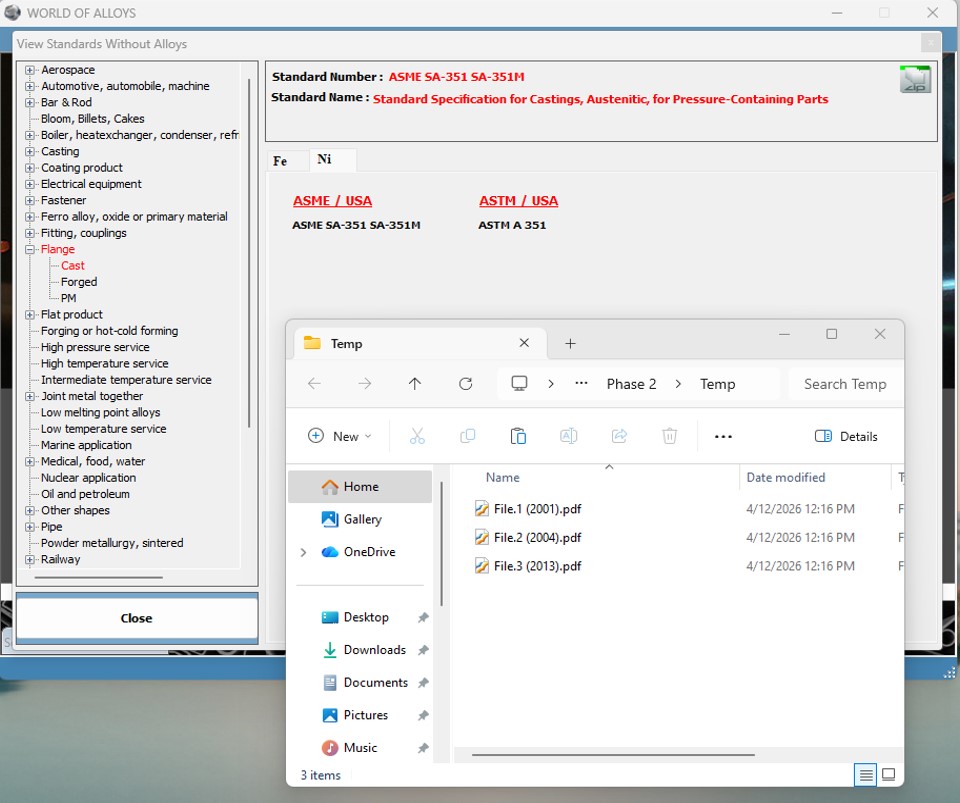
menu, it is possible to search for standards based on the shape of the products
produced with or without displaying the alloy grades of the standards.

WORLD OF ALLOYS - Product Shapes - Standards Whit Alloy Grade
WORLD OF ALLOYS - Product Shapes - Standards Whitout Alloy Grade
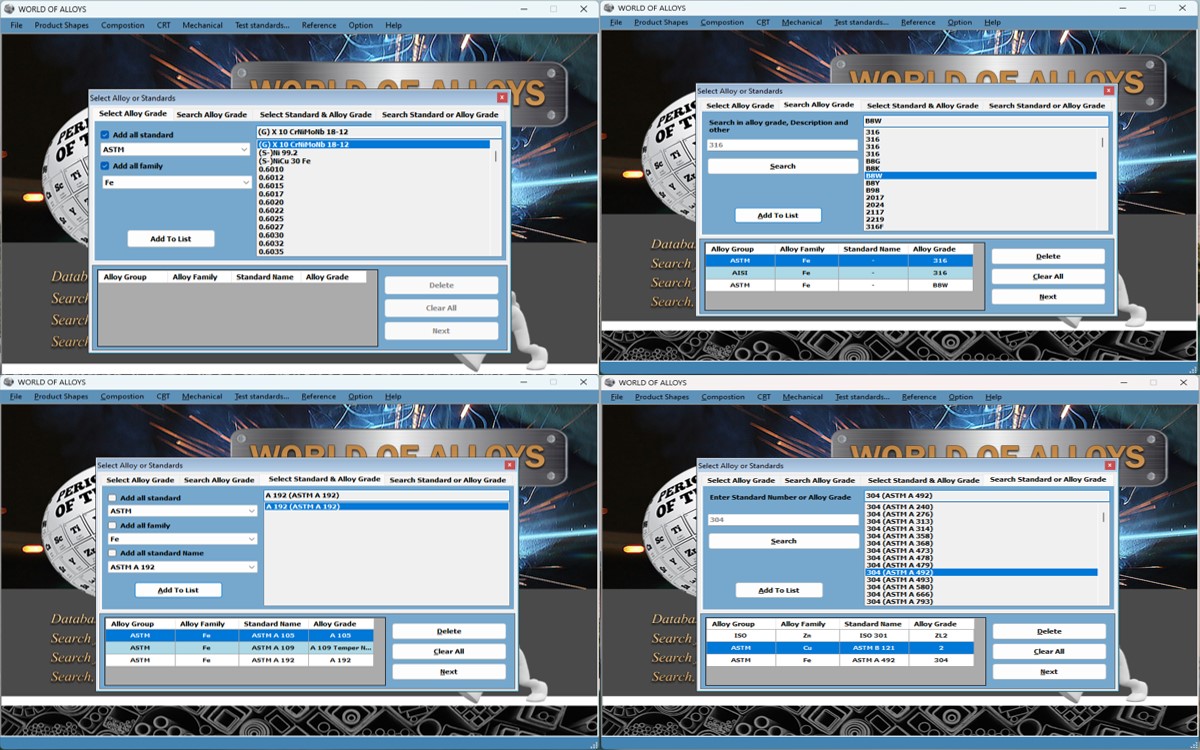
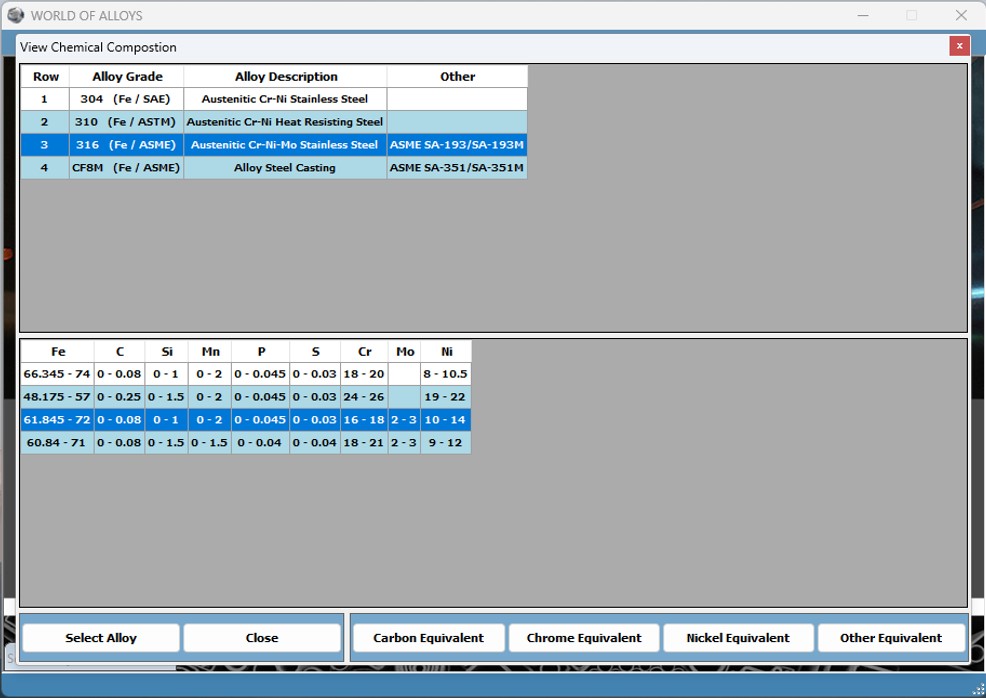
* By use if the ‘Composition – View and Compare Alloy Chemical Composition’ menu
allows users to access the chemical data of alloys listed within the database
alloys. It also enables the simultaneous viewing and comparison of several alloy
compositions.

WORLD OF ALLOYS - Composition - View and Compare Alloy Chemical Compistion
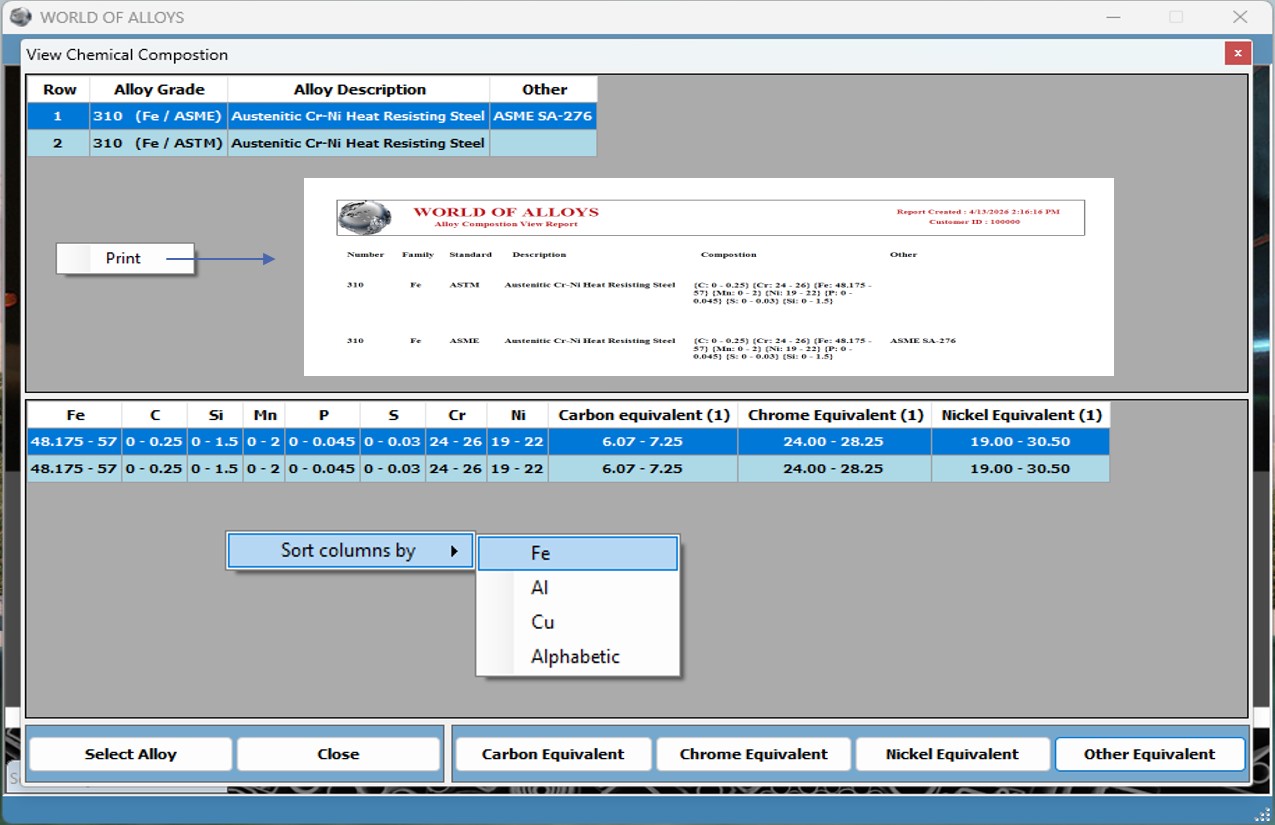


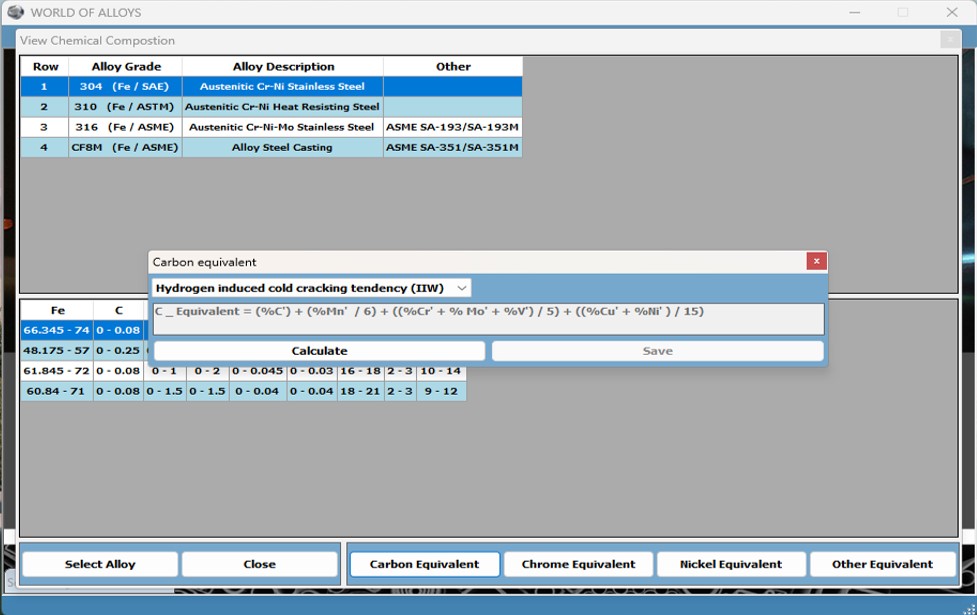
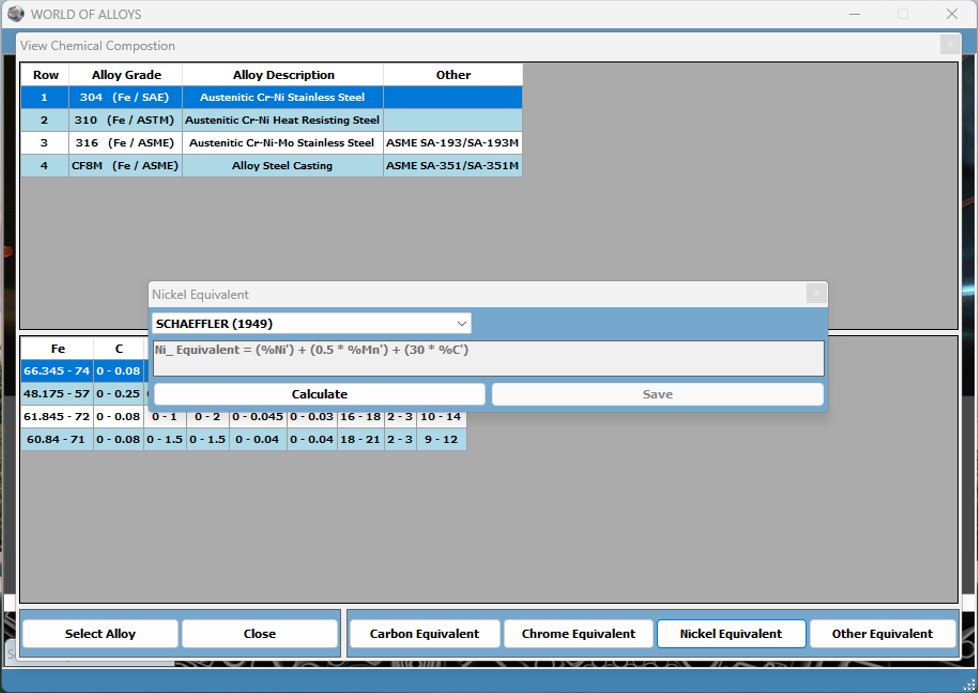
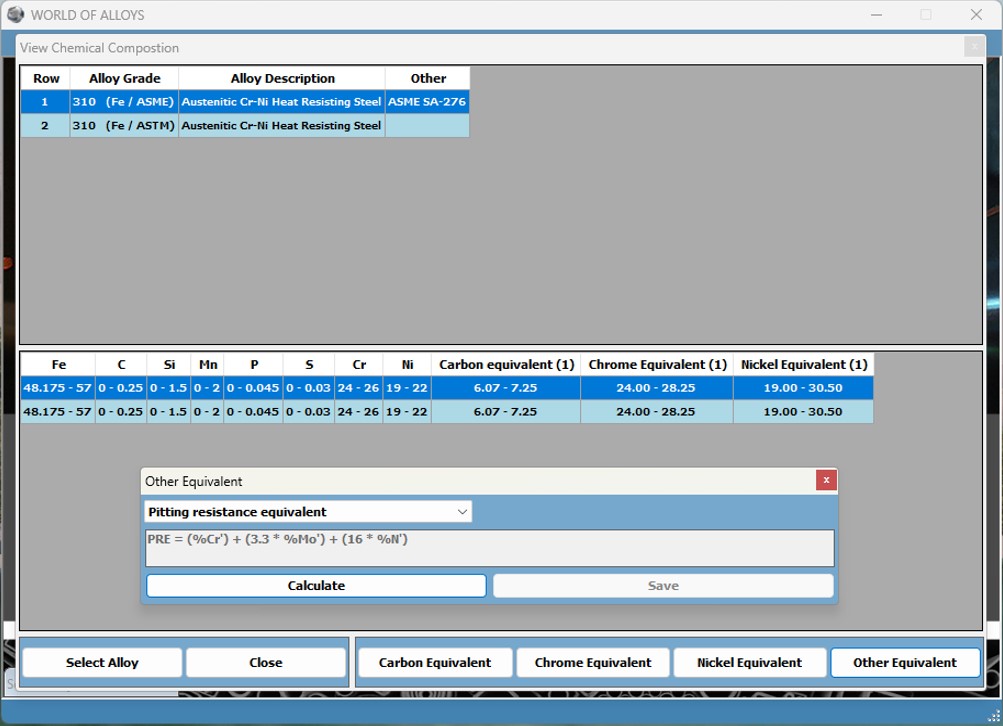
* By using the
‘Composition – View and Compare Alloy Chemical Composition’ menu
ability to observe the chemical composition of different alloys and calculate
carbon, nickel, crom and other elements based on the default equivalent element
formulas in the software or formulas that user define.
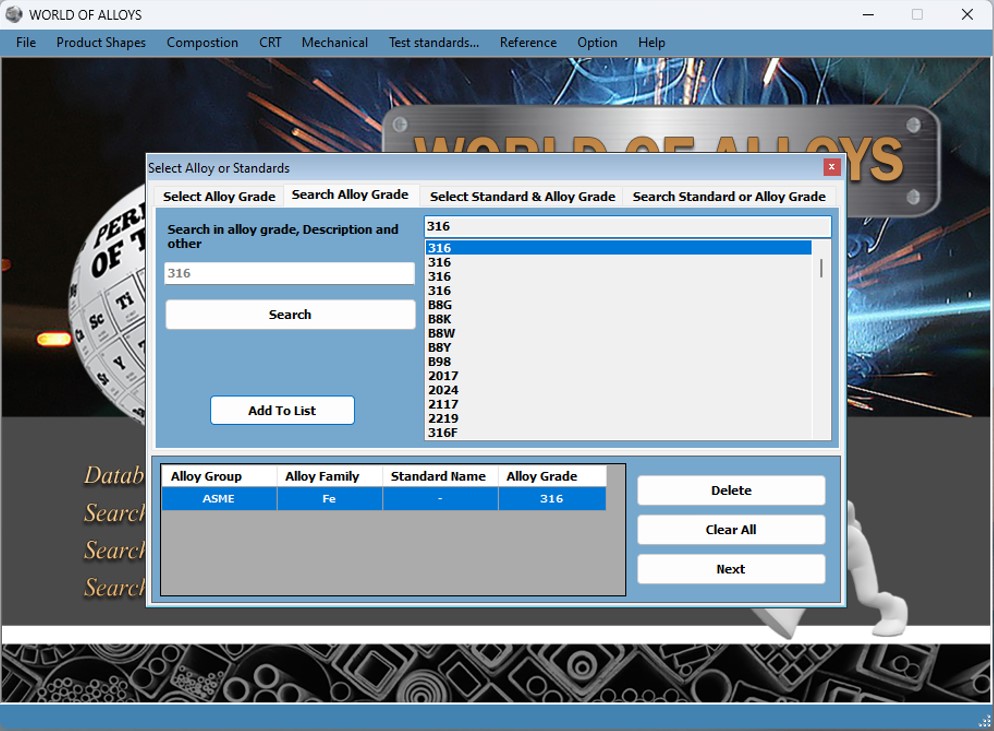
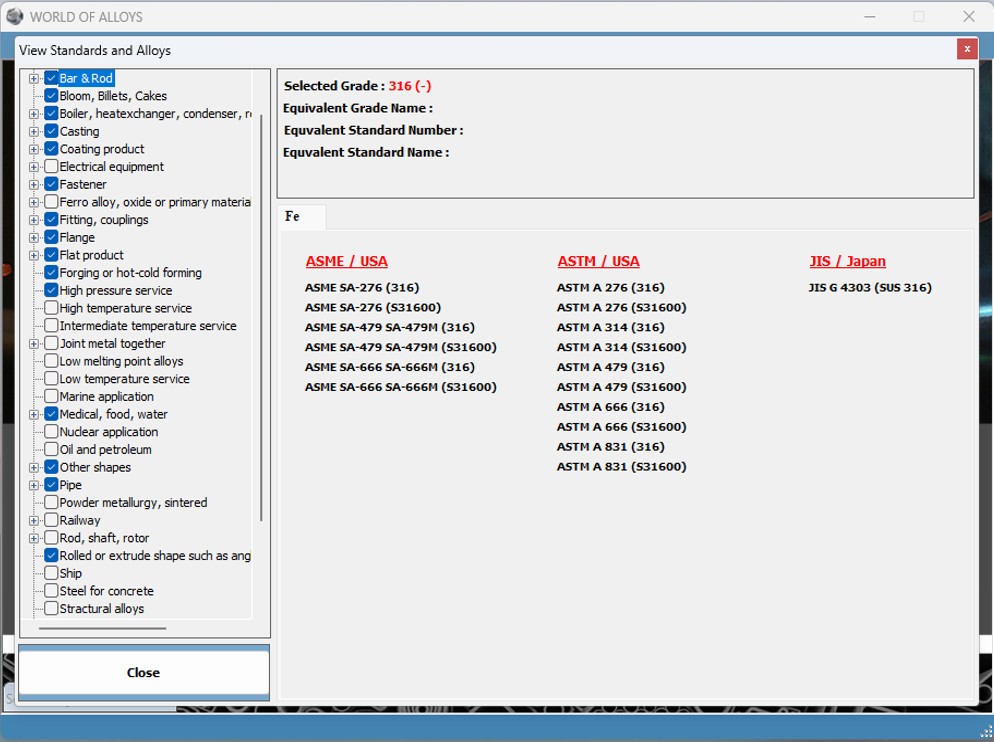
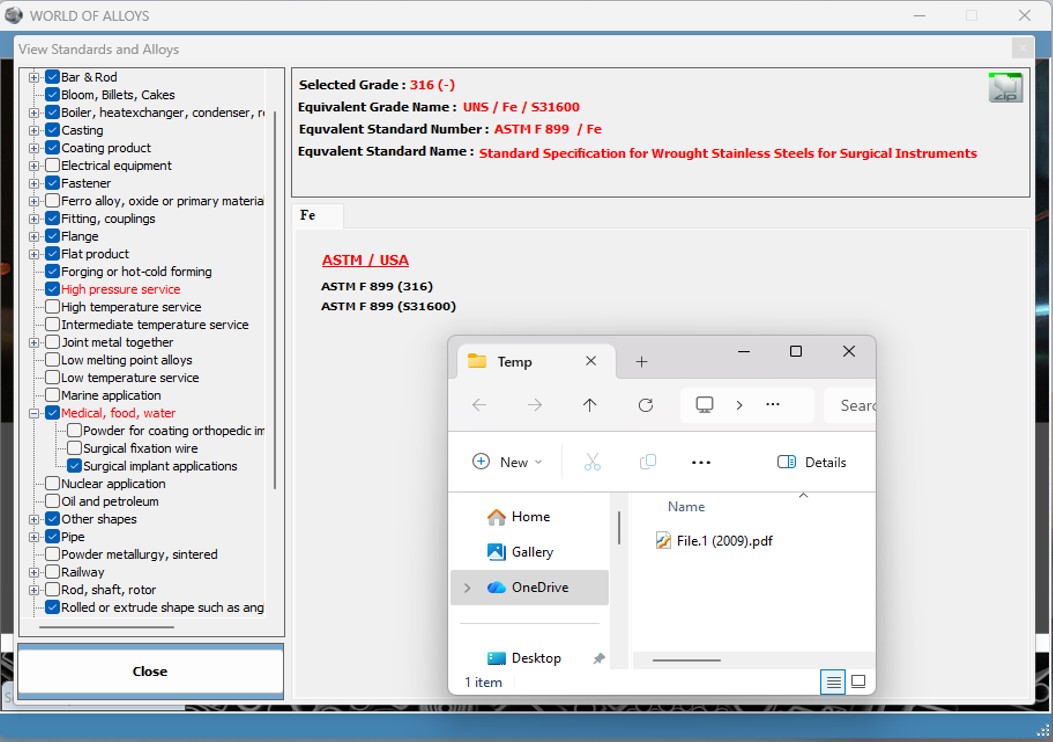
* By using the
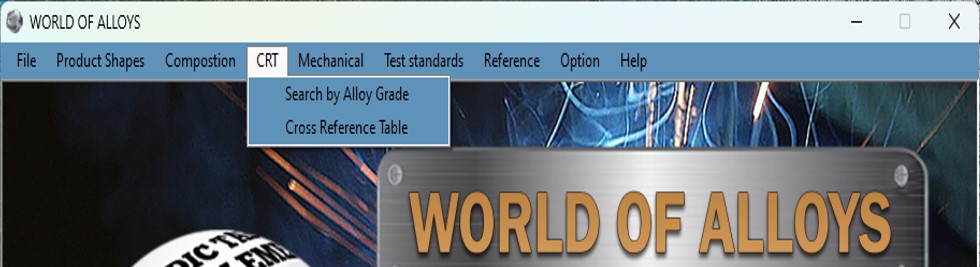
‘CRT’ menu
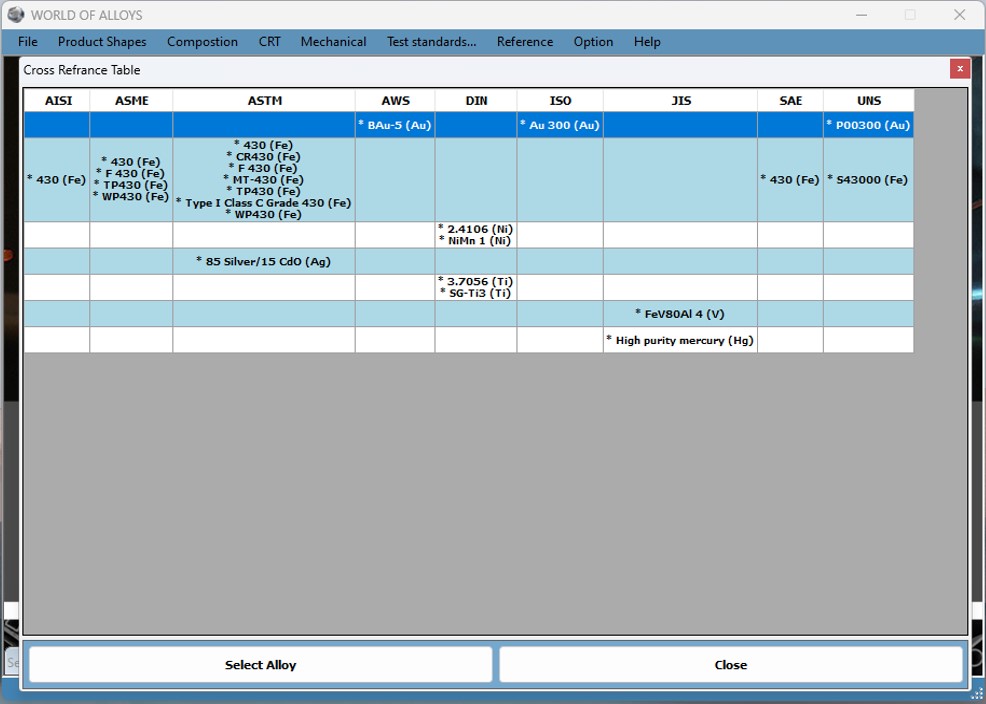
t is possible to search for the files of standards and equivalents of alloys in
the standards of different countries.
WORLD OF ALLOYS - CRT - Search by Alloy Grade
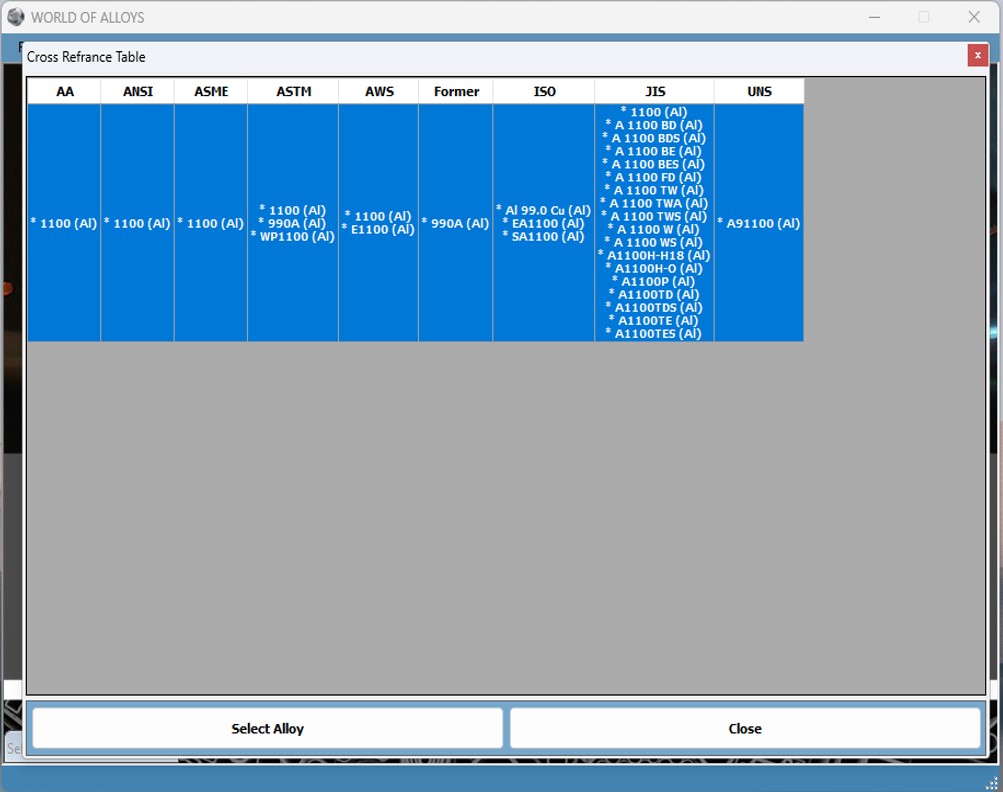
WORLD OF ALLOYS - CRT - Cross
Reference Table
*
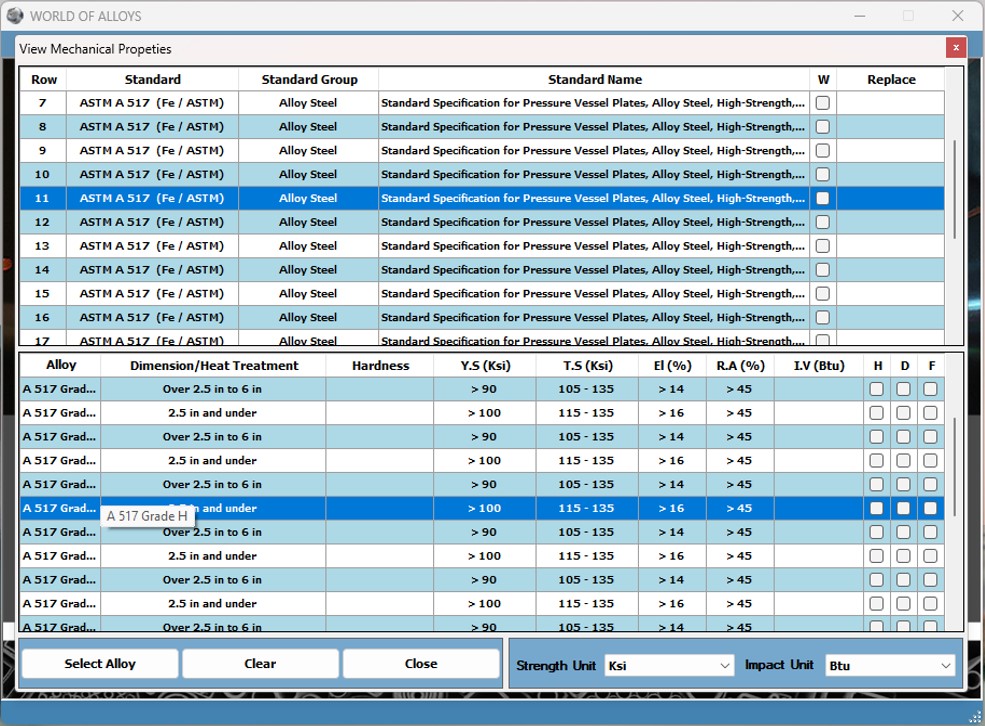
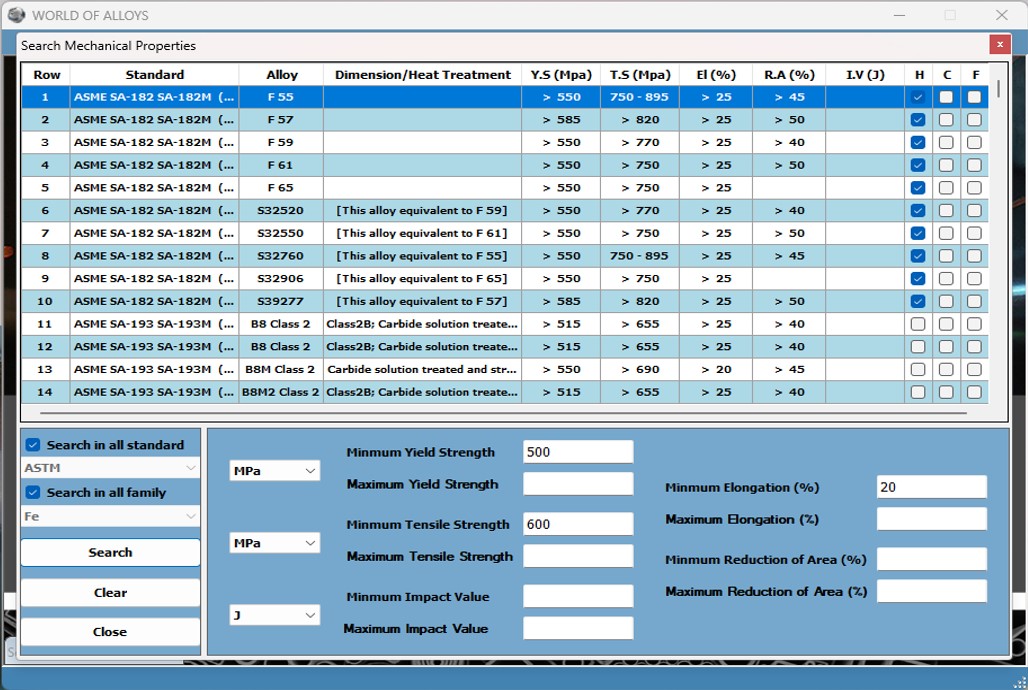
By using the ‘Mechanical’ menu allows for viewing and
comparing the mechanical properties of alloys based on their production
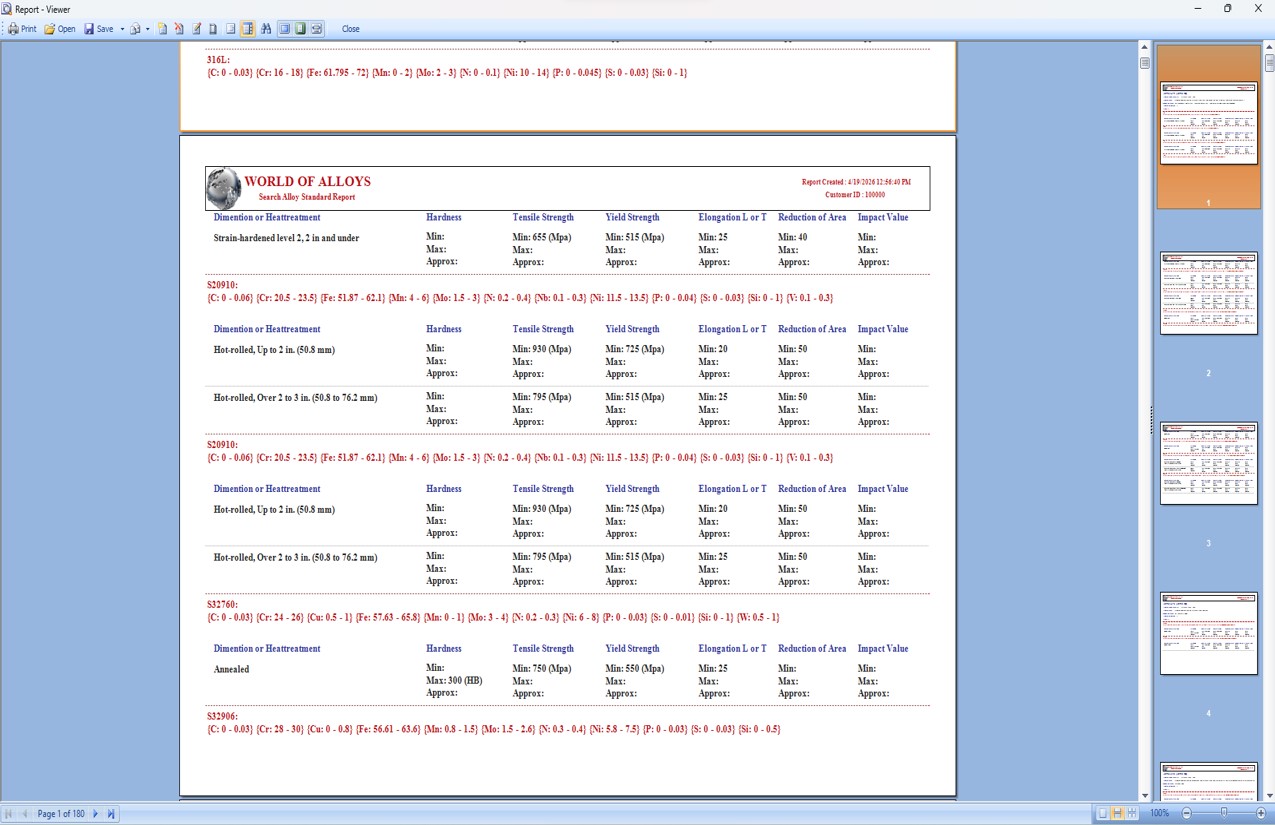
standards. It also provides the functionality to search for alloys based on
specific mechanical property values.
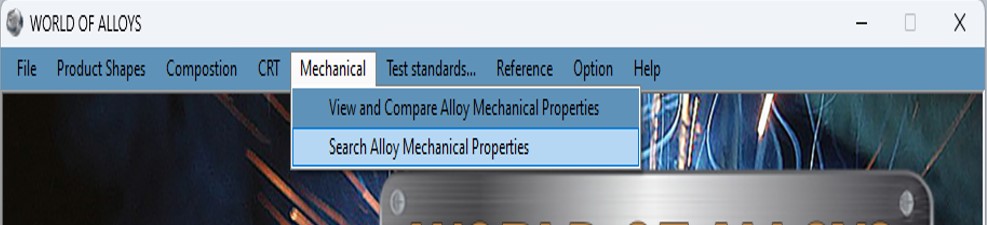
WORLD OF ALLOYS - Mechanical - View and Compare Alloy Mechanical Properties
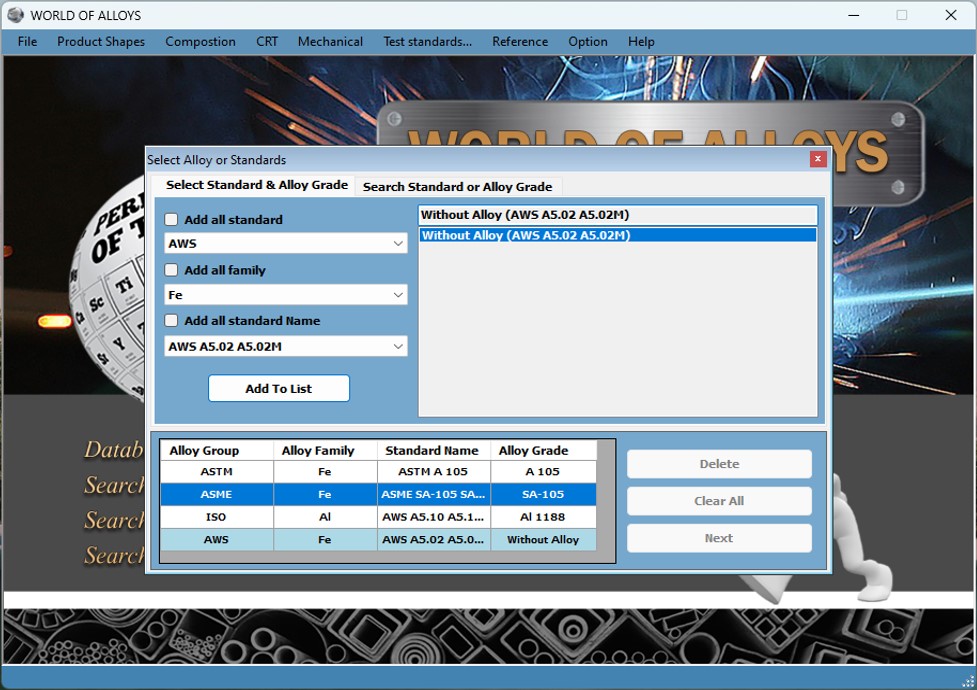
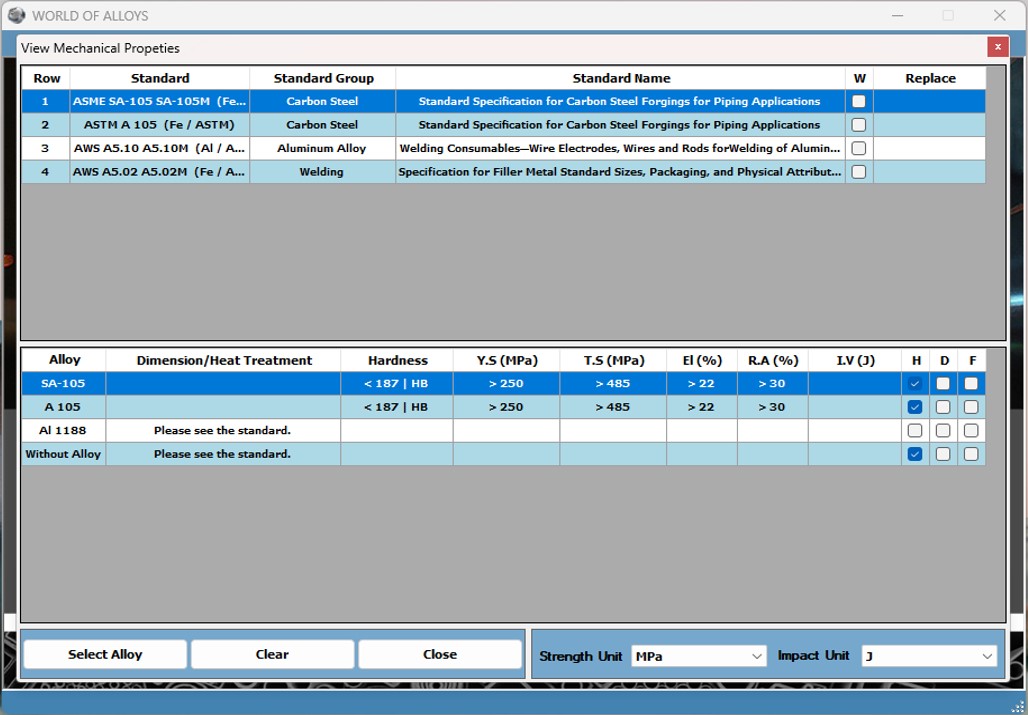
WORLD OF ALLOYS - Mechanical - Search Alloy Mechanical Properties
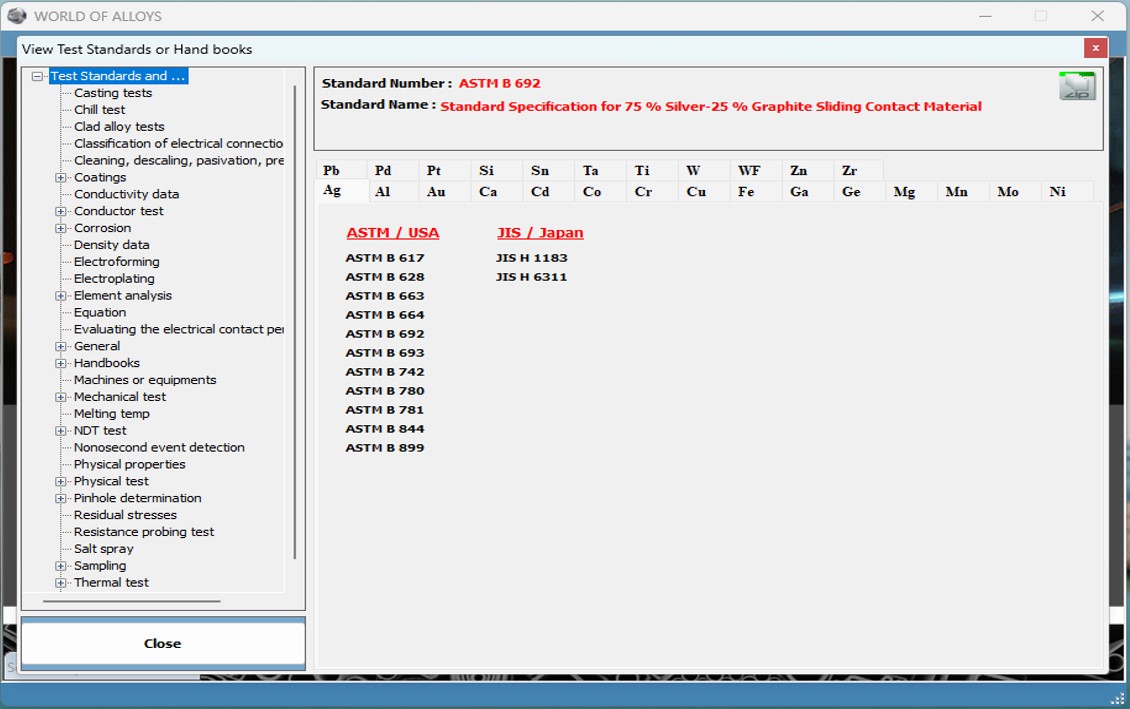
* By using the ‘Test Standards’ menu allows for the viewing and searching of
testing standards related to various metals and alloys.

WORLD OF ALLOYS -Test Standards - Search Test Standards
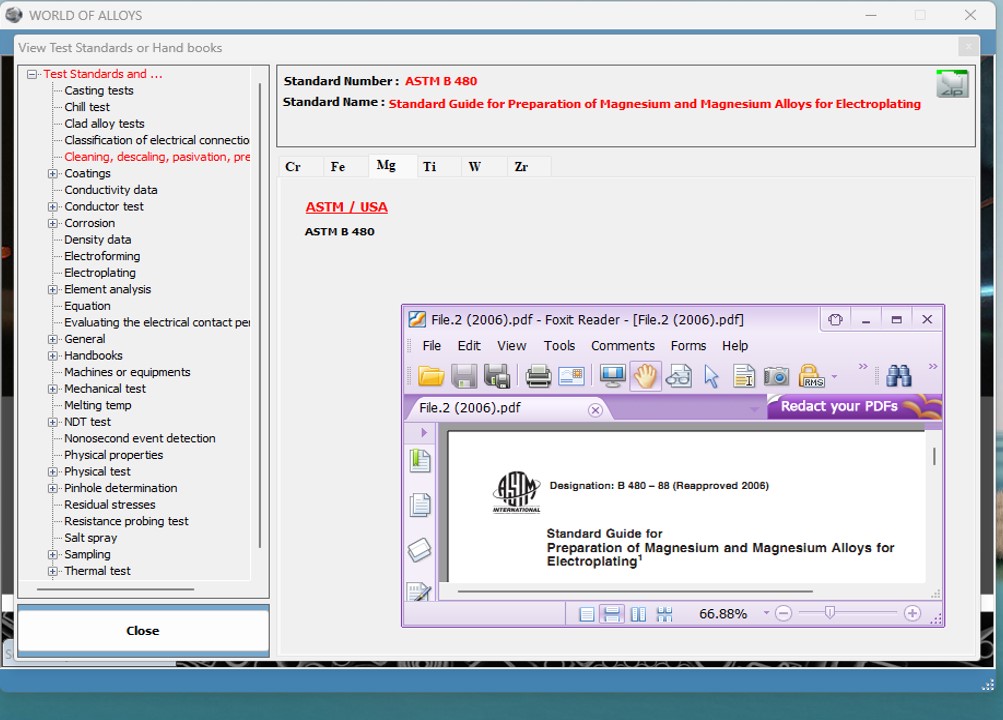
*
Using the
‘Test Standards’ menu It is
possible to view
the sources of information used in the software