Download and Install the Software
Before installing the software, the following two software must be installed on
the system:
Microsoft .NET Framework 4.0 Download
ACE. OLEDB.12 Download
The software is available in two setup and portable versions, which can be
downloaded from the following links:
WORLD
OF ALLOYS V 1.0 - Setup
Download
Setup.Part1
Download
Setup.Part2
WORLD
OF ALLOYS V 1.0 - Portable
Download
WORLD OF ALLOYS.Part1
Download WORLD OF ALLOYS.Part2
Software registration guide:
After downloading and installing the required software and the main application,
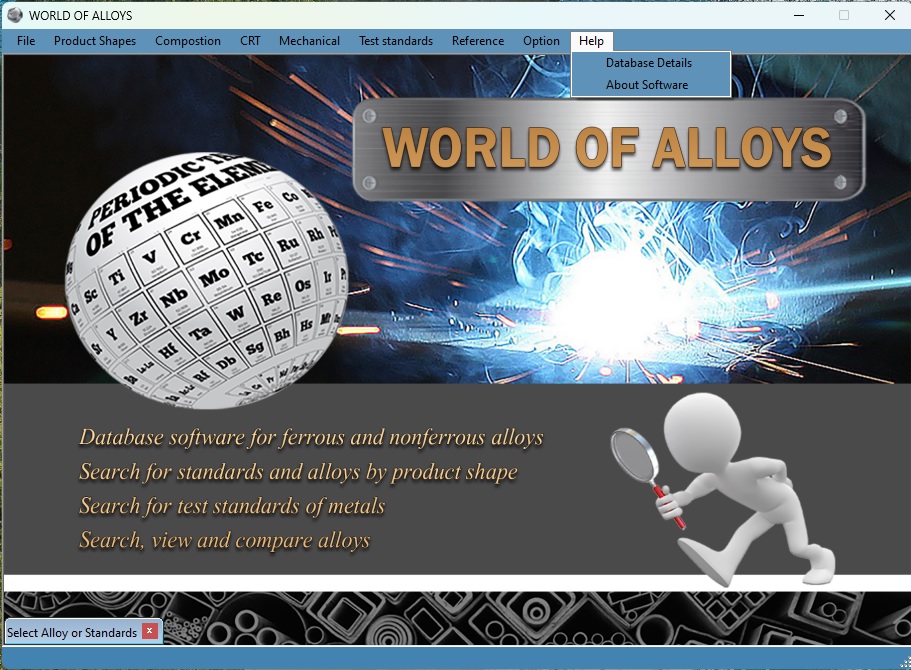
launch the World of Alloys icon from your desktop or the
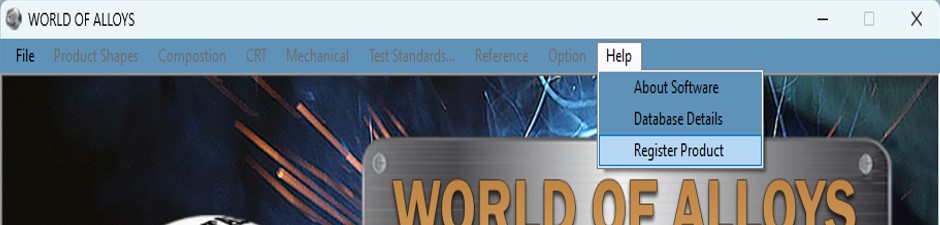
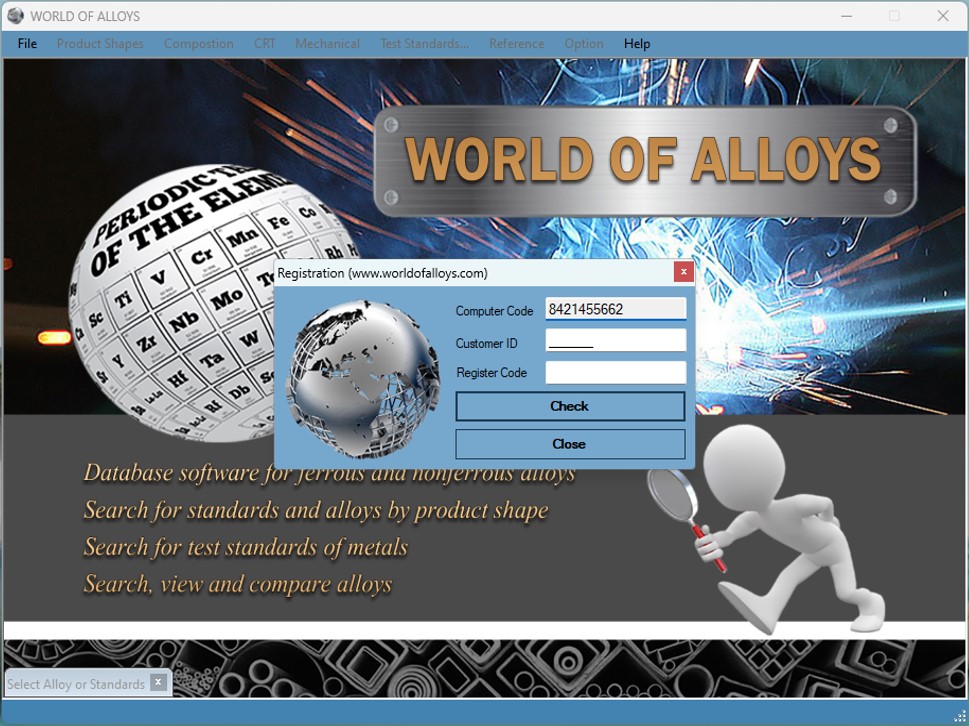
portable folder. Navigate to Help - Register Product, you will
need to send Computer Code displayed in the text box to our support team through
our email or support apps.
Once the payment is processed, your unique Customer Code and Registration Key
will be sent to you.
Please note that this license is tied to your specific system. It will remain
valid even after reinstalling Windows. However, any significant changes to your
hardware components will alter the Computer Code which will require a new
registration request and an additional fee.